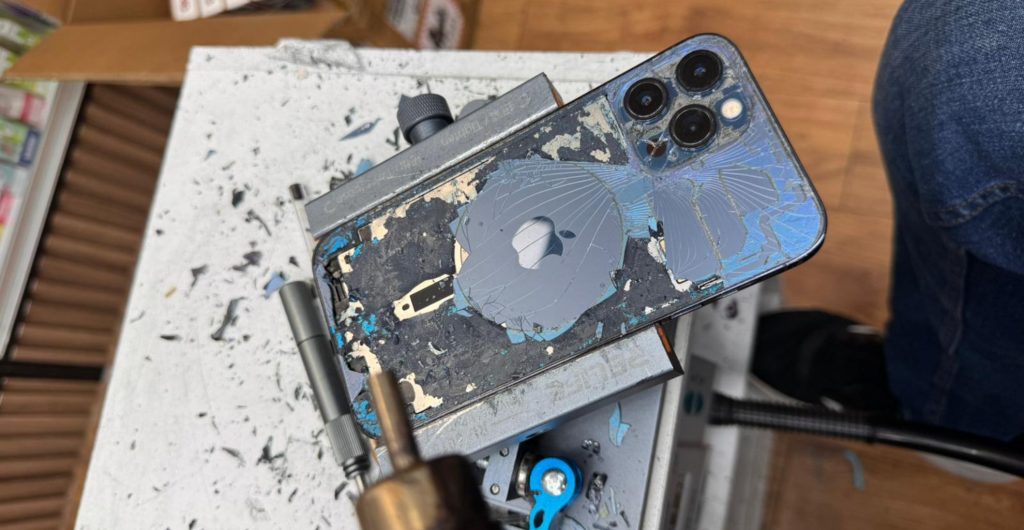
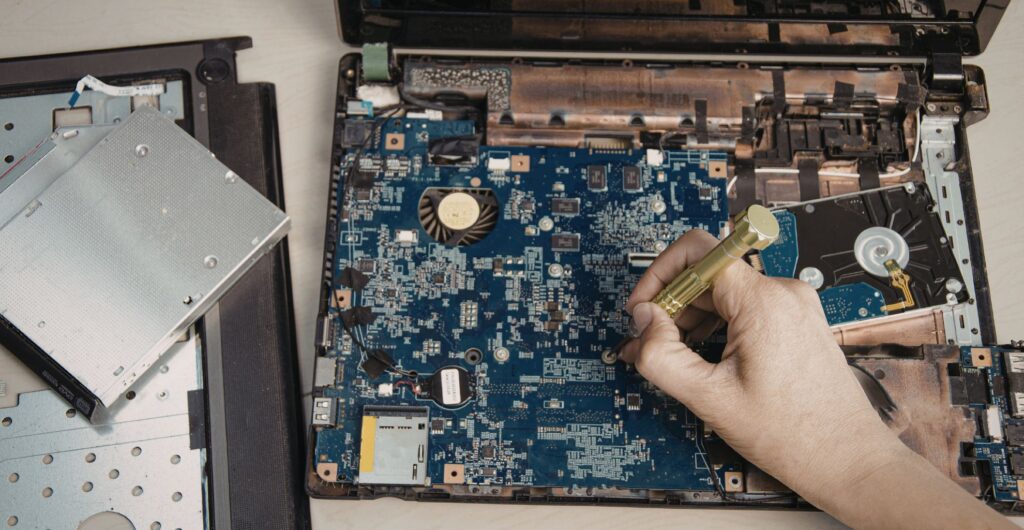
When a laptop or computer develops a fault, most people focus on the repair itself. However, the real risk often lies in the data stored inside the hard drive, SSD, or other storage devices. A damaged system can result in lost, deleted, or corrupted files such as documents, photos, emails, or business databases. That is why Data Backup before repair and professional data recovery services afterward are essential.
In this guide from Phone Doctor UK, we explain how backup, restore, and retrieval processes work, what risks exist during repair, how professional technicians protect your valuable information, and what steps you should take to ensure your digital media, user data, and system files remain secure and protected.
Table of Contents
Why Data Backup Matters Before Laptop Repair
A laptop repair often involves working on internal hardware components such as the motherboard, RAM, SSD, hard drive, or operating system. During diagnostics or parts replacement, there is always a possibility that existing data may become corrupted, overwritten, or lost.
At Phone Doctor UK, our experts always recommend performing a Data Backup before any repair service begins. This ensures that even if a drive failure, operating system reinstall, or hardware replacement occurs, your important files remain safe.
Many customers only realise the value of their digital information when something goes wrong. Family photos, business documents, CRM databases, and emails often exist only on a single device.
Common types of data stored on laptops and computers include:
| Data Type | Examples | Importance |
|---|---|---|
| Personal Data | Photos, videos, documents | Highly valuable personal memories |
| Business Files | Databases, spreadsheets, CRM data | Essential company operations |
| System Files | Windows, macOS system data | Needed for operating system stability |
| Media Content | Music, videos, design files | Often large digital media libraries |
Without a proper backup system, even a minor hardware failure can result in permanent data loss.
Common Causes of Data Loss During Laptop Repairs
From my experience working with repair technicians and data recovery specialists, many customers come in with systems that already show signs of serious storage failure.
Typical warning signs include:
- Clicking noise from the hard drive
- Laptop freezing or running extremely slow
- Blue screen of death on Windows systems
- Operating system boot failure
- Corrupted files that cannot open
- Unresponsive storage devices
These symptoms usually indicate either physical damage or logical corruption within the storage disk.
Below is a comparison of the most common types of failures.
| Failure Type | Cause | Result |
|---|---|---|
| Mechanical Failure | Physical damage to HDD components | Drive becomes unreadable |
| Logical Failure | Corrupted file system or partition | Files become inaccessible |
| Electrical Failure | Damaged motherboard or controller | Storage device not detected |
| Software Issues | Virus, malware, or ransomware | Files encrypted or deleted |
Understanding these risks explains why Data Backup must always come before repair work.
What Happens to Data During Laptop Repair?
Professional repair engineers follow strict procedures when servicing a computer, PC, or laptop.
At Phone Doctor UK, technicians first perform a diagnostic assessment to determine the issue. This may include testing:
- SSD or HDD health
- Operating system stability
- RAM memory
- Motherboard components
- Power connectors and circuits
If the storage drive itself is not damaged, technicians can often perform a secure backup copy before continuing with repairs.
The process usually involves creating a disk image or exact clone of the drive.
| Backup Method | Description | When Used |
|---|---|---|
| Disk Clone | Creates an exact duplicate of the drive | Hardware replacement |
| File Backup | Copies selected files and folders | Minor repairs |
| System Image | Saves full operating system and applications | OS reinstallation |
| Cloud Backup | Uploads data to secure remote storage | Long-term protection |
This ensures that the customer’s digital content remains protected and recoverable.
Professional Data Recovery After Laptop Repair
Sometimes customers arrive after a system crash where files are already lost, deleted, or corrupted.
In these situations, professional data recovery services become necessary.
Experienced data recovery engineers use specialised software tools and forensic techniques to retrieve inaccessible information from failed drives.
Advanced recovery operations may involve:
- Disk imaging
- File system reconstruction
- Sector-by-sector scanning
- RAID recovery
- SSD firmware repair
For severe cases such as physical disk damage, specialists may work in a clean room laboratory environment.
These labs often follow ISO-5 Class 100 clean room standards, allowing engineers to safely open damaged hard drives without contamination.
Devices That Require Data Backup and Recovery
Modern digital environments involve many different storage devices, not just laptops.
At Phone Doctor UK, technicians regularly recover data from a wide range of devices.
| Device Type | Storage Format | Common Problems |
|---|---|---|
| Laptop / Desktop PC | HDD, SSD | System crash, drive failure |
| External Drives | USB HDD, SSD | Accidental deletion |
| Smartphones | iPhone, Android | Software corruption |
| Memory Cards | SD card, flash storage | File corruption |
| NAS / RAID Systems | Multiple disks | RAID configuration failure |
Each device requires different recovery methods, which is why experienced professionals are essential.
How to Safely Backup Your Laptop Data
Before visiting a repair shop, there are several steps users can take to protect their information.
The simplest approach is maintaining at least two copies of important files.
Recommended backup strategies include:
External Storage Backup
Copy files to an external USB drive, SSD, or network storage device.
Cloud Backup
Use services like Google Drive, OneDrive, or iCloud to store encrypted data backups online.
Automatic Backup Systems
Enable scheduled backup processes that automatically copy files every day.
These steps ensure that even in cases of hardware failure, your documents, photos, and business data remain safe.
Signs Your Laptop Needs Immediate Data Backup
Some warning signs indicate that data loss may be imminent.
If you notice any of these symptoms, stop using the device and perform a backup immediately.
| Warning Sign | Possible Cause |
|---|---|
| Loud clicking noise from drive | Mechanical HDD failure |
| Files becoming corrupted | Storage sector damage |
| System freezing or crashing | Hardware malfunction |
| Laptop unable to boot | OS corruption |
Ignoring these signs often leads to permanent data loss.
Why Choose Professional Technicians for Data Recovery
Many online guides encourage people to attempt DIY data recovery.
However, improper attempts can permanently destroy recoverable data.
Professional data recovery experts use specialised tools and controlled environments to maximise recovery success rates.
Advantages of using experienced technicians include:
- Advanced recovery software
- Specialised laboratory equipment
- Secure data handling protocols
- Confidential information protection
- Proven recovery procedures
At Phone Doctor UK, customers benefit from reliable, secure, and confidential services delivered by experienced engineers.
Data Protection and Security During Repairs
When handing over a laptop, computer, or storage device, customers naturally worry about privacy.
Professional repair centres implement strict data protection protocols.
Security measures typically include:
- Encrypted data transfer
- Restricted access control
- Confidential handling policies
- Compliance with GDPR regulations
- Secure storage during repair
These practices ensure your sensitive information remains protected at every stage.
Final Thoughts
Whether you are dealing with a slow laptop, a broken storage drive, or a system crash, protecting your data should always be the first priority. A proper Data Backup before repair can prevent permanent file loss, while professional data recovery specialists can often retrieve valuable information even from severely damaged drives.
At Phone Doctor UK, experienced technicians and engineers help customers across the UK safely repair their laptops, computers, and digital devices while ensuring their important data remains secure, protected, and recoverable.
Taking the time to backup your files, monitor storage health, and rely on trusted repair professionals can save countless hours of frustration and protect the digital memories and business data that matter most.